Home / Shop / Rental Property Tracker
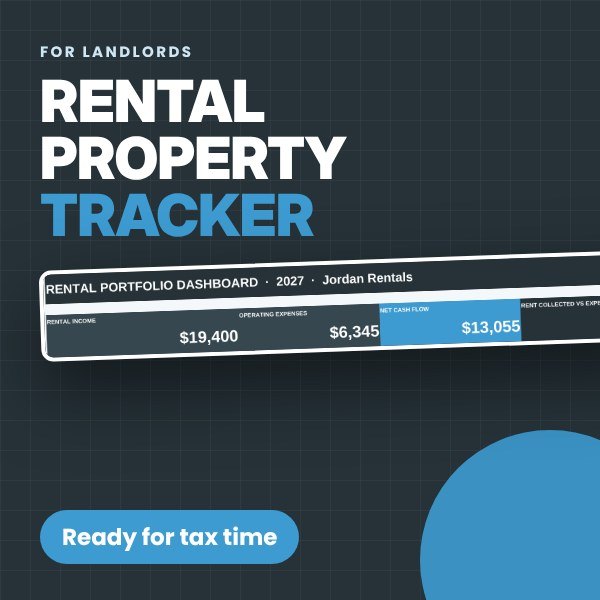
For landlords · Google Sheets & Excel
Rental Property Tracker: rent, expenses & Schedule E in one sheet
Track every rent payment and expense for up to 10 properties. See cash flow by property, which months rent is missing, and a Schedule E summary ready for your tax professional.
- Schedule E summary
- Rent collected vs expected
- Rent roll
- Up to 10 properties
Your download link appears right after payment and is also sent to your email.
- Instant download
- Secure checkout
- Example file included
- Works on phone too
What's inside
Everything a small landlord needs
One file, all connected. Log once and the dashboard and charts update by themselves.
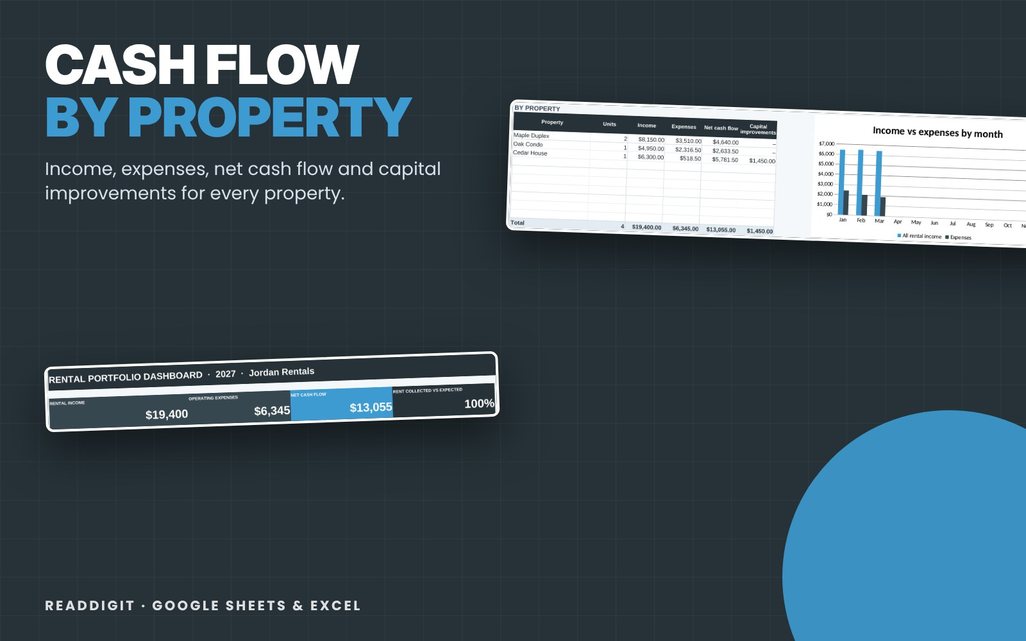
- Portfolio dashboard: rental income, operating expenses, net cash flow and rent collected vs expected.
- By property: income, expenses, net cash flow and capital improvements for each property.
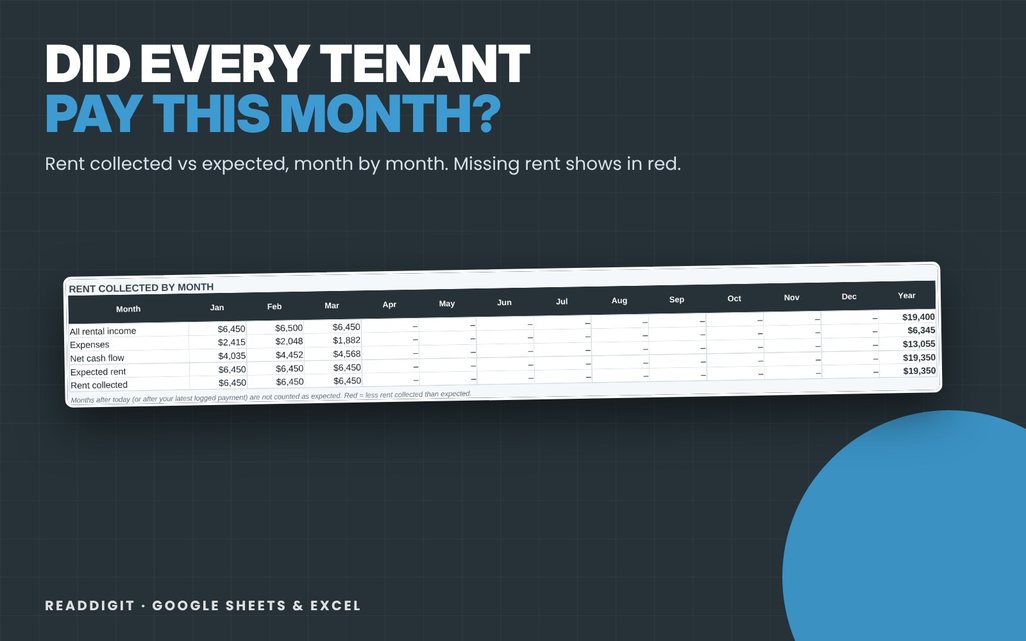
- Rent by month: expected vs collected every month, with missing rent in red.
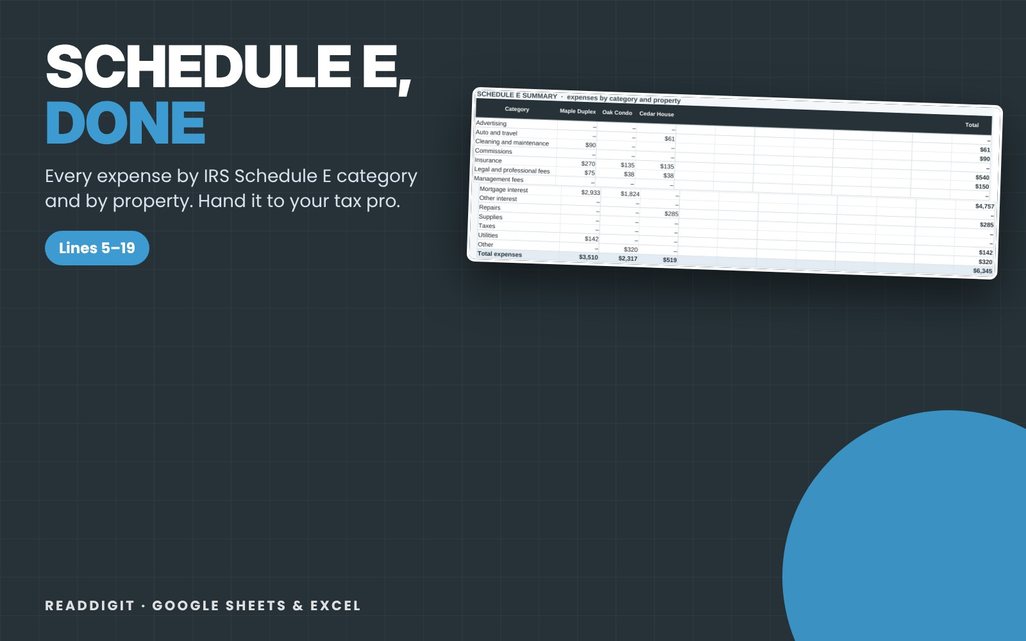
- Schedule E summary: expenses by IRS Schedule E category (lines 5–17 and 19) and by property.
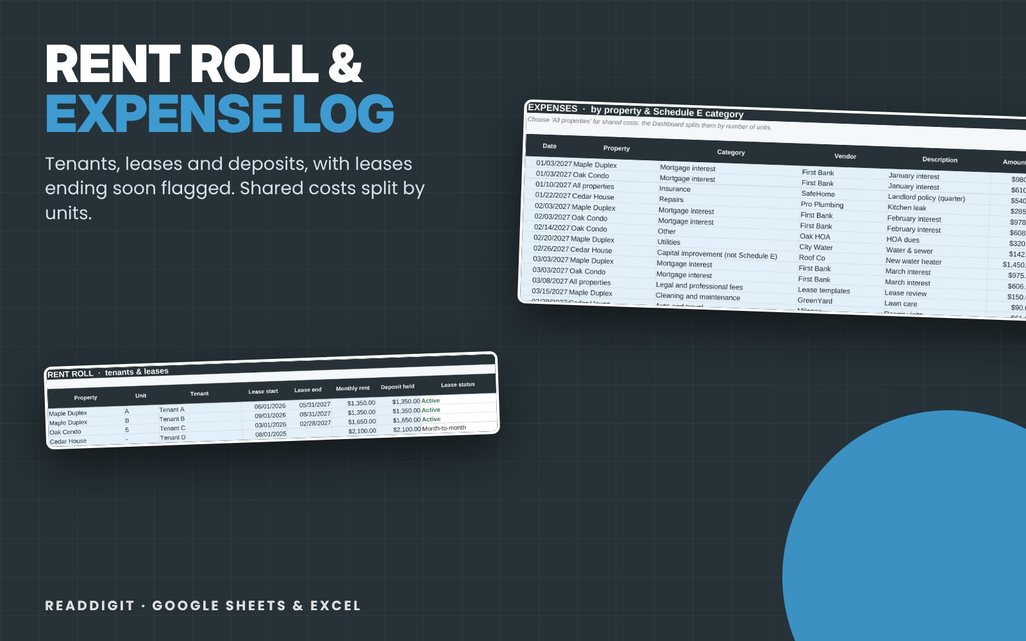
- Rent roll: tenants, units, lease dates, rent and deposits; leases ending within 60 days are flagged.
- Income & expense logs: 800 rows each, with a 'receipt saved?' check.
- Shared costs: one insurance policy for all properties? It's split by units automatically.
- Example file: a sample 3-property portfolio.
15-second video
Watch: what you really keep from the rent
Look inside
Look inside the tracker
Example numbers shown. Your copy comes empty and ready for your own data.
How it works
Set it up in 15 minutes
- Step 1Open the file in Google Sheets (File → Import) or Excel
- Step 2Type your properties, units and expected rent in Setup
- Step 3Add your tenants and leases in the Rent Roll
- Step 4Log rent and expenses; check the Dashboard monthly
Made for
Who the tracker is for
Small landlords
1 to 10 properties: houses, condos, duplexes.
House hackers
Rent out part of your home and track it separately.
Tax-time organizers
Hand your Schedule E table to your tax pro.
Questions
Before you buy
What is Schedule E?
Schedule E (Form 1040) is where US landlords report rental income and expenses. The tracker groups your expenses by its categories: advertising, auto and travel, cleaning and maintenance, commissions, insurance, legal and professional fees, management fees, mortgage interest, other interest, repairs, supplies, taxes, utilities and other.
Does it calculate depreciation?
No. Depreciation depends on your purchase price, improvements and dates, so your tax professional or tax software calculates it. Capital improvements are tracked separately to help.
How does it handle costs shared by all properties?
Choose 'All properties' and the Dashboard splits the cost by number of units.
Can I use it for short-term rentals?
Yes, log bookings as income and fees as expenses. Tax rules for short-term rentals can differ, so check with a tax professional.
Does it connect to my bank?
No. You log payments and expenses yourself; your data stays in your own file.
How do I get it after I pay?
Right after payment you get a download link on screen, and the same link is sent to your email.
Record-keeping tool, not tax advice. For personal use only.
Ready for tax time
Know your rental cash flow
Download the tracker, add your properties and log this month's rent.
Buy now · $9.99Freelance income too? See the 1099 Tax & Income Tracker.